
Citizen Science Recording App: Easy Data Collection

Quick Summary:
Want to contribute to science while exploring nature? A citizen science recording app makes it easy! These apps allow you to record observations of plants, animals, and environmental conditions, then share your data with researchers. Simply download an app, learn how to identify different species, and start recording your sightings. Your observations help scientists track biodiversity, monitor environmental changes, and make informed decisions about conservation.
Have you ever wondered how you could help scientists study the world around us? It might seem like you need years of training, but that’s not true! Citizen science is a fantastic way for anyone to contribute to real scientific research. A powerful tool for citizen scientists is a recording app. These apps make it incredibly easy to document your observations, whether you’re tracking butterflies in your backyard or identifying plants on a nature hike.
Using these apps is a fun and rewarding way to learn more about the environment and help scientists understand our planet better. This guide will walk you through everything you need to know about using a citizen science recording app. Let’s dive in and see how you can make a difference!
What is a Citizen Science Recording App?
A citizen science recording app is a mobile application designed to help everyday people collect and share data with scientists. These apps typically allow users to record observations, such as sightings of plants, animals, insects, or even weather patterns. The data collected is then used by researchers to study various aspects of the natural world.
These apps often include features like:
- Species Identification: Tools to help you identify what you are seeing.
- GPS Tracking: To record the precise location of your observation.
- Data Entry Forms: Standardized forms to ensure data is consistent and useful.
- Photo Uploads: The ability to add photos to support your observations.
By using these apps, you become a vital part of the scientific process, helping to gather information on a scale that would be impossible for professional scientists alone.
Why Use a Citizen Science Recording App?
There are many compelling reasons to use a citizen science recording app:
- Contribute to Real Science: Your data helps scientists understand the world better.
- Learn About Nature: You’ll deepen your knowledge of plants, animals, and ecosystems.
- Easy and Accessible: These apps make data collection simple and fun.
- Flexible: Participate whenever and wherever you like.
- Make a Difference: Help track biodiversity, monitor environmental changes, and support conservation efforts.
Choosing the Right App
With so many citizen science recording apps available, it can be tough to know where to start. Here’s a guide to help you choose the right one for your interests:
1. Identify Your Interests
What are you passionate about? Butterflies? Birds? Plants? Choose an app that aligns with your interests.
2. Research Available Apps
Look for apps that focus on your area of interest. Read reviews and see what other users say about their experiences. Here are a few popular options:
- iNaturalist: A general app for recording any kind of natural observation.
- eBird: Focused on bird sightings and tracking bird populations (Cornell Lab of Ornithology).
- Nature’s Notebook: Tracks plant and animal life cycle events (USA National Phenology Network).
- CitSci Mobile: A portal to many different citizen science projects.
3. Check for User-Friendliness
Download a few apps and try them out. Is the interface intuitive? Is it easy to record observations? A user-friendly app will make the experience more enjoyable.
4. Consider the Project Goals
Each app is associated with specific research projects. Make sure the goals of the project align with your interests and that you understand how your data will be used.
5. Look for Educational Resources
Does the app offer resources to help you identify species or learn more about the project? These resources can enhance your learning experience and improve the accuracy of your observations.
Getting Started with a Citizen Science Recording App: A Step-by-Step Guide
Ready to dive in? Here’s a step-by-step guide to using a citizen science recording app:
Step 1: Download and Install the App
Visit the App Store (iOS) or Google Play Store (Android) and search for the app you’ve chosen. Download and install it on your smartphone or tablet.
Step 2: Create an Account
Open the app and follow the instructions to create an account. You’ll typically need to provide an email address and create a password. Some apps may also ask for your location to personalize your experience.
Step 3: Explore the App’s Features
Take some time to explore the app’s interface. Familiarize yourself with the different sections, such as:
- Observation Recording: Where you’ll enter your sightings.
- Species Identification: Tools to help you identify what you’re seeing.
- Project Information: Details about the research project.
- Settings: Options to customize your preferences.
Step 4: Learn How to Make Observations
Most apps have tutorials or guides that explain how to make accurate observations. Pay close attention to these instructions. Key elements include:
- Identifying the Species: Use the app’s identification tools or external resources to identify the plant or animal you’re observing.
- Recording the Date and Time: The app will usually do this automatically.
- Recording the Location: The app will use your device’s GPS to record the location. Make sure location services are enabled.
- Adding Details: Record any relevant details, such as the number of individuals, their behavior, or the habitat they’re in.
- Taking Photos: Capture clear photos of the species or habitat to support your observation.
Step 5: Start Recording!
Now it’s time to head outdoors and start recording your observations. Here’s a basic workflow:
- Find a Subject: Spot a plant, animal, or insect that you want to record.
- Identify It: Use the app’s tools or other resources to identify the species.
- Record Details: Enter the date, time, location, and any other relevant information.
- Take a Photo: Capture a clear photo of the subject.
- Submit Your Observation: Follow the app’s instructions to submit your data.
Step 6: Review and Submit Your Data
Before submitting your data, take a moment to review it for accuracy. Make sure you’ve identified the species correctly and that all the details are accurate. Once you’re satisfied, submit your observation.
Step 7: Stay Engaged
Continue using the app to record observations regularly. The more data you contribute, the more valuable your efforts will be to researchers. Also, consider joining online communities or forums related to the app or project. This is a great way to learn from other citizen scientists and stay informed about the latest developments.
Tips for Making Accurate Observations
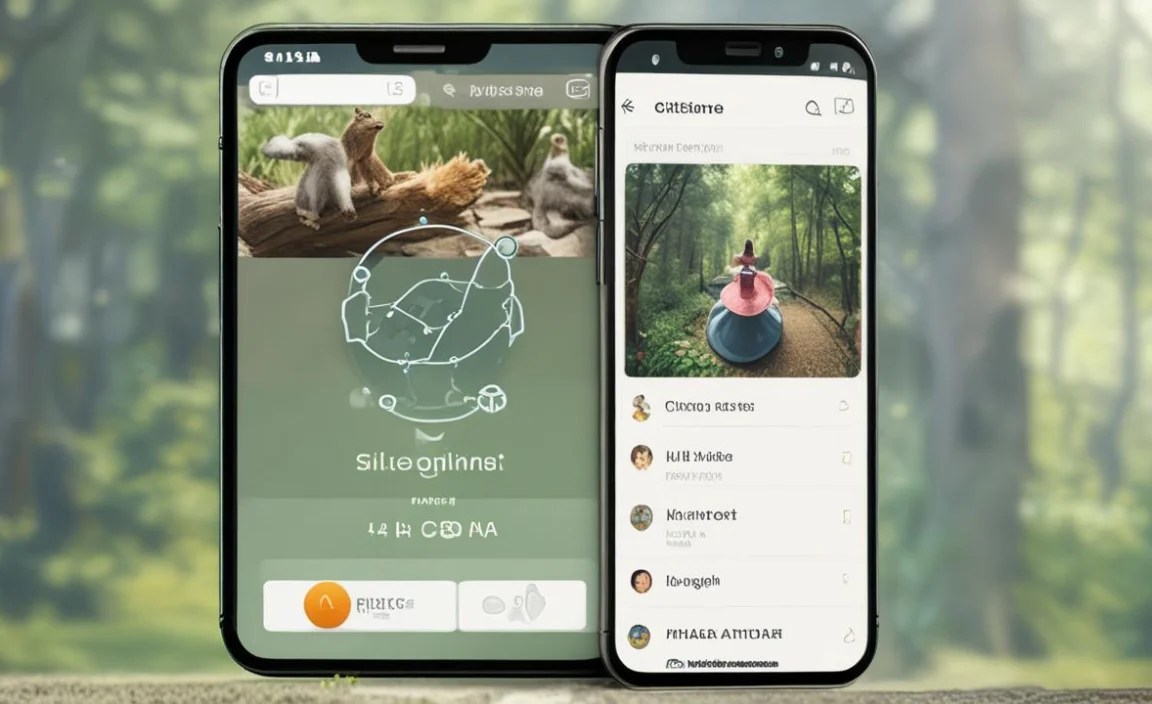
To ensure your data is as useful as possible, follow these tips for making accurate observations:
- Take Clear Photos: Good photos are essential for verifying your observations. Make sure your photos are well-lit and in focus. Capture key identifying features of the species.
- Be Precise with Location Data: Ensure your device’s GPS is accurate. If possible, use the app to verify the location on a map.
- Provide Detailed Descriptions: The more details you provide, the better. Describe the habitat, behavior, and any other relevant information.
- Double-Check Your Identification: Use multiple resources to confirm your identification. If you’re unsure, mark the observation as “unidentified” and seek help from experts.
- Follow Protocols: Adhere to any specific protocols or guidelines provided by the app or project.
Example: Using iNaturalist to Record a Butterfly Sighting
Let’s walk through an example of using iNaturalist to record a butterfly sighting:
- Open iNaturalist: Launch the app on your smartphone.
- Tap “Observe”: This will open the observation recording screen.
- Take a Photo: Use your phone’s camera to take a clear photo of the butterfly.
- “What did you see?”: iNaturalist will suggest possible identifications based on your photo.
- Identify the Butterfly: Browse the suggestions or use the app’s identification tools to determine the species. If you’re not sure, you can leave it as “Butterfly” or “Insect.”
- Add Details: Record any relevant details, such as the butterfly’s behavior (e.g., feeding on nectar) or the plant it’s on.
- Review and Submit: Check your data for accuracy and tap “Share” to submit your observation.
The Impact of Citizen Science Data
The data collected through citizen science recording apps has a significant impact on scientific research and conservation efforts. Here are some examples:
- Tracking Biodiversity: Citizen science data helps scientists monitor the distribution and abundance of plants and animals. This information is crucial for understanding how ecosystems are changing.
- Monitoring Environmental Changes: Citizen scientists can track changes in phenology (the timing of life cycle events), such as when plants flower or when birds migrate. This data can help scientists understand the impacts of climate change.
- Detecting Invasive Species: Citizen scientists can help detect and track the spread of invasive species. This information can be used to develop strategies for managing these species.
- Supporting Conservation Efforts: Citizen science data can inform conservation decisions, such as where to establish protected areas or how to manage habitats.
Here’s a table illustrating how citizen science data is used in different fields:
| Field | Citizen Science Application | Impact |
|---|---|---|
| Ecology | Monitoring plant and animal populations | Understanding biodiversity and ecosystem health |
| Climate Science | Tracking phenological changes | Assessing the impacts of climate change |
| Conservation Biology | Identifying important habitats | Informing conservation decisions |
| Public Health | Tracking disease vectors (e.g., mosquitoes) | Preventing and controlling disease outbreaks |
Benefits and Challenges of Using Citizen Science Recording Apps
Like any tool, citizen science recording apps have both benefits and challenges. Here’s a summary:
Benefits:
- Increased Data Collection: Citizen scientists can collect data on a much larger scale than professional scientists alone.
- Educational Opportunities: Participating in citizen science can be a fun and engaging way to learn about nature.
- Community Building: Citizen science projects can bring people together who share a passion for nature and science.
- Empowerment: Citizen science empowers individuals to contribute to scientific research and make a difference in their communities.
Challenges:
- Data Quality: Ensuring the accuracy and reliability of data collected by citizen scientists can be challenging.
- Bias: Citizen scientists may be more likely to record observations in certain areas or of certain species, which can introduce bias into the data.
- Training and Support: Providing adequate training and support to citizen scientists is essential for ensuring data quality.
- Data Management: Managing and analyzing large volumes of data collected by citizen scientists can be complex.
Addressing the Challenges
Many of the challenges associated with citizen science can be addressed through careful project design and implementation. Here are some strategies:
- Provide Clear Protocols: Develop clear and easy-to-follow protocols for data collection.
- Offer Training and Support: Provide training workshops, online tutorials, and ongoing support to citizen scientists.
- Implement Quality Control Measures: Use automated tools and expert review to identify and correct errors in the data.
- Address Bias: Use statistical techniques to account for bias in the data.
Ethical Considerations
When participating in citizen science, it’s important to consider the ethical implications of your actions. Here are some guidelines:
- Respect Wildlife: Observe animals from a safe distance and avoid disturbing their natural behavior.
- Protect Habitats: Avoid trampling vegetation or damaging habitats.
- Obtain Permission: If you’re collecting data on private property, obtain permission from the landowner.
- Share Your Data Responsibly: Be aware of how your data will be used and ensure that it is shared in a way that respects privacy and confidentiality.
Citizen Science and Conservation
Citizen science plays a crucial role in conservation efforts around the world. By collecting data on biodiversity, environmental changes, and other factors, citizen scientists provide valuable information that can be used to inform conservation decisions. Here are some examples of how citizen science contributes to conservation:
- Identifying Important Habitats: Citizen scientists can help identify areas that are critical for the survival of endangered species.
- Monitoring Protected Areas: Citizen scientists can monitor the effectiveness of protected areas and identify threats to biodiversity.
- Restoring Ecosystems: Citizen scientists can participate in restoration projects, such as planting trees or removing invasive species.
- Advocating for Conservation Policies: Citizen scientists can use their data to advocate for policies that protect the environment.
Resources for Further Learning
Want to learn more about citizen science and how you can get involved? Here are some useful resources:
- SciStarter: A website that connects citizen scientists with projects in various fields: SciStarter
- CitizenScience.gov: A federal website that provides information about citizen science projects and resources: CitizenScience.gov
- The Cornell Lab of Ornithology: Offers resources and projects focused on birdwatching and conservation: Cornell Lab of Ornithology
- iNaturalist: A popular platform for recording and sharing observations of nature: iNaturalist
FAQ About Citizen Science Recording Apps
What is citizen science?
Citizen science is when everyday people work with scientists to help collect and analyze data about the world around us. It’s a great way to contribute to real research!
Do I need to be a scientist to participate?
No, not at all! Citizen science projects are designed for people of all backgrounds and experience levels. You just need an interest in nature and a willingness to learn.
How accurate does my data need to be?
Accuracy is important, but don’t worry about being perfect. Just do your best to follow the app’s instructions and use available resources to identify species correctly. Scientists use quality control measures to validate the data.
What if I can’t identify something?
That’s okay! Many apps have features that allow you to submit photos or descriptions for expert identification. You can also mark the observation as “unidentified” and let others help.
Is my personal information safe when I use these apps?
Reputable citizen science apps have privacy policies to protect your data. Read the policy before creating an account and be aware of what information you’re sharing.
Can I use these apps offline?
Some apps allow you to record observations offline and then upload them when you have an internet connection. Check the app’s features to see if offline recording is supported.
Are there citizen science projects for kids?
Yes! Many citizen science projects are designed for children and families. Look for projects that are age-appropriate and engaging for kids.
Conclusion
Using a citizen science recording app is a fantastic way to connect with nature, learn about the environment, and contribute to real scientific research. By following the steps outlined in this guide, you can start recording your observations and helping scientists understand the world around us. So, download an app, grab your smartphone, and head outdoors to explore the wonders of nature. Your observations could make a real difference!


