
Field Guide Mobile Apps: The Powerful Guide

Quick Summary: Looking for a way to identify plants and animals on the go? Field guide mobile apps are your answer! These apps turn your smartphone into a pocket naturalist, offering instant access to information, photos, and even audio recordings of species. They’re perfect for hikers, birdwatchers, nature lovers, and anyone curious about the world around them. With offline access and user-friendly interfaces, exploring nature has never been easier!
Have you ever been out on a hike, spotted a beautiful butterfly, and wished you knew what kind it was? Or maybe you’ve wondered about the name of that unique wildflower you saw in the meadow? It can be frustrating not knowing the names and details of the amazing creatures and plants around us. Thankfully, technology has provided a solution! Field guide mobile apps put a wealth of natural history information right at your fingertips, making nature exploration more fun and educational.
In this guide, we’ll explore the world of field guide apps, showing you how to choose the right one, use their features effectively, and enhance your outdoor adventures. Get ready to transform your phone into a powerful tool for learning about the natural world!
What are Field Guide Mobile Apps?
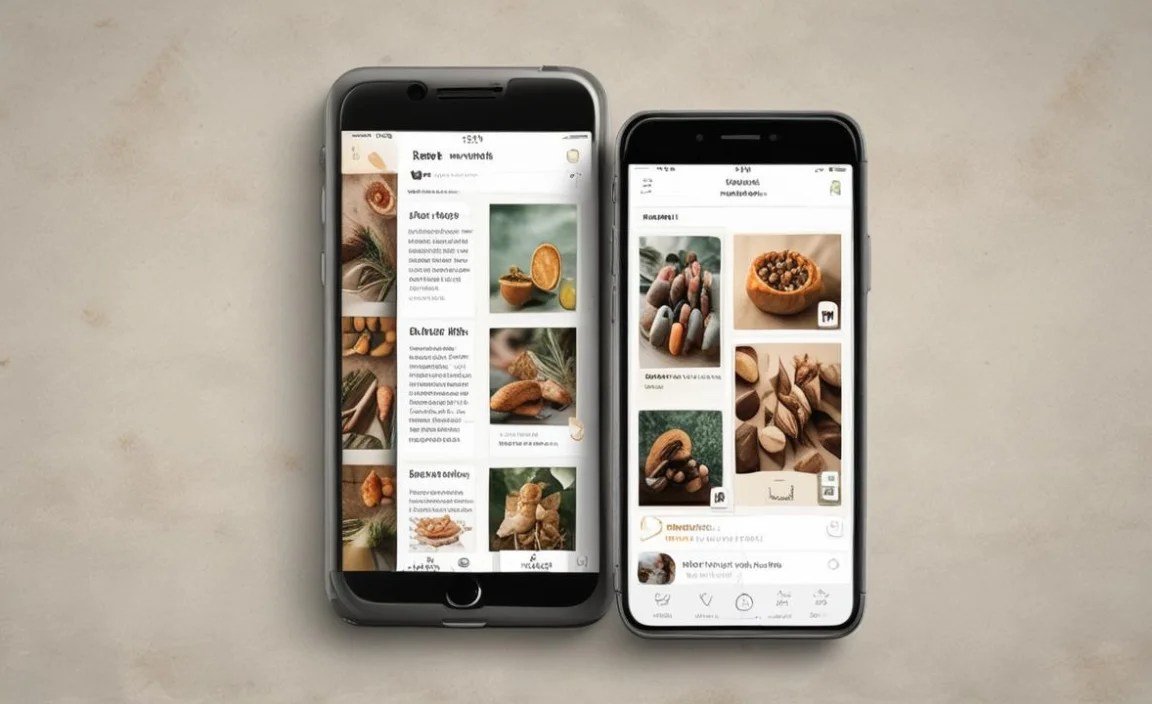
Field guide mobile apps are digital versions of traditional field guides, designed for use on smartphones and tablets. They provide information about plants, animals, fungi, and other natural elements. These apps often include:
- Detailed descriptions
- High-quality photos
- Range maps
- Audio recordings (for birdsong or animal calls)
- Identification keys
Many field guide apps also offer offline access, which is crucial for use in remote areas without internet connectivity. They leverage the technology of your phone, such as GPS and the camera, to provide location-specific information and image recognition capabilities.
Why Use a Field Guide App?
There are many reasons why you might choose a field guide app over a traditional printed guide:
- Convenience: Carry hundreds of species descriptions in your pocket.
- Portability: No need to lug around heavy books.
- Searchability: Quickly find information using keywords or filters.
- Multimedia: Access photos, audio, and videos.
- Updates: Apps can be easily updated with new information.
- Interactive Features: Many apps offer quizzes, checklists, and the ability to record your sightings.
For example, instead of flipping through pages trying to match a butterfly to a picture, you can simply snap a photo with your phone and let the app’s image recognition feature do the work. Or, if you hear an unfamiliar bird call, you can use the app to compare it to recordings of different species.
Choosing the Right Field Guide App
With so many field guide apps available, it’s important to choose one that meets your specific needs and interests. Here are some factors to consider:
1. Geographic Coverage
Make sure the app covers the geographic area you’ll be exploring. Some apps are specific to certain regions, while others offer broader coverage.
2. Taxonomic Focus
Consider what types of organisms you’re most interested in. Some apps focus on birds, others on plants, insects, or a combination of taxa.
3. Features
Think about the features that are most important to you. Do you need offline access? Image recognition? The ability to record your sightings?
4. User Interface
Choose an app with a user-friendly interface that is easy to navigate and understand. Look for clear organization, intuitive search functions, and high-quality images.
5. Cost
Field guide apps range in price from free to quite expensive. Consider your budget and whether the features offered justify the cost. Some apps offer a free trial period, which can be a great way to test them out before committing to a purchase.
6. Reviews and Ratings
Read reviews and ratings from other users to get an idea of the app’s quality and reliability. Pay attention to comments about accuracy, ease of use, and customer support.
Popular Field Guide Apps
Here are some of the most popular and highly-rated field guide apps currently available:
- iNaturalist: A joint initiative by the California Academy of Sciences and the National Geographic Society, iNaturalist is a social network for naturalists, citizen scientists, and biologists. It allows you to record your observations, share them with others, and get help with identification.
- Merlin Bird ID: Developed by the Cornell Lab of Ornithology, Merlin Bird ID helps you identify birds using a photo, sound, or a series of questions. It’s an excellent resource for both beginners and experienced birdwatchers.
- PictureThis: This app uses image recognition technology to identify plants from photos. It also provides information about plant care and diseases.
- Seek by iNaturalist: A kid-friendly version of iNaturalist that uses image recognition to identify plants and animals in real-time. It’s a great way to get children interested in nature.
- Audubon Bird Guide: From the National Audubon Society, this app offers comprehensive information about North American birds, including descriptions, photos, audio recordings, and range maps.
Step-by-Step Guide to Using a Field Guide App
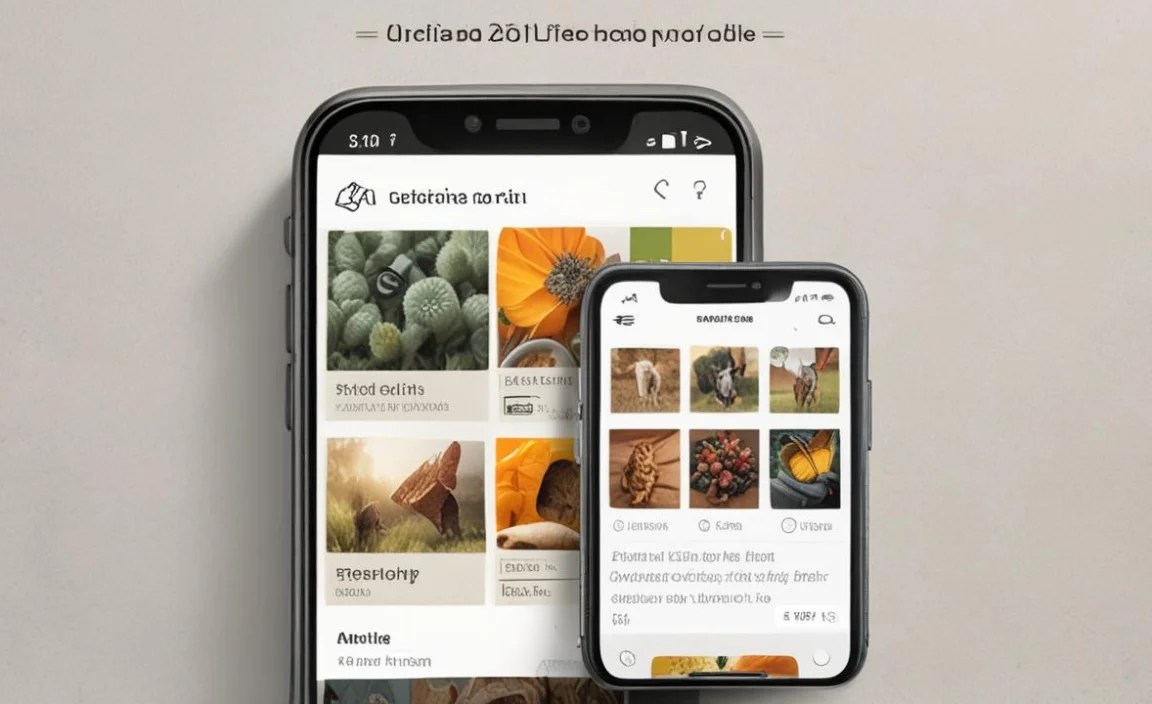
Here’s a step-by-step guide to using a field guide app effectively:
Step 1: Download and Install the App
Search for the app in your device’s app store (e.g., Apple App Store or Google Play Store) and download it. Make sure you have enough storage space on your device before downloading.
Step 2: Familiarize Yourself with the Interface
Open the app and take some time to explore the different sections and features. Look for the search function, identification keys, image galleries, and other tools.
Step 3: Download Offline Data (If Applicable)
If you plan to use the app in areas without internet connectivity, download the offline data for your region. This may include images, descriptions, and audio recordings. Be aware that offline data can take up a significant amount of storage space.
Step 4: Identify a Species
There are several ways to identify a species using a field guide app:
- Search: If you know the name of the species, you can simply search for it using the app’s search function.
- Identification Key: Use the app’s identification key to narrow down the possibilities based on physical characteristics, habitat, and other factors.
- Image Recognition: Take a photo of the species and let the app’s image recognition feature identify it.
- Audio Recognition: Record the sound of a bird or animal and let the app compare it to recordings of different species.
Step 5: Review the Information
Once you’ve identified a species, take some time to review the information provided by the app. This may include a description, photos, range map, and other details. Pay attention to the key characteristics that distinguish the species from similar ones.
Step 6: Record Your Sighting (Optional)
Many field guide apps allow you to record your sightings, including the date, time, location, and any notes you want to add. This can be a great way to keep track of your observations and contribute to citizen science projects.
Step 7: Share Your Findings (Optional)
Some apps allow you to share your findings with other users or on social media. This can be a fun way to connect with other nature enthusiasts and learn from each other.
Tips for Using Field Guide Apps Effectively
Here are some tips for getting the most out of your field guide app:
- Practice: The more you use the app, the more familiar you’ll become with its features and the easier it will be to identify species.
- Take Good Photos: For image recognition to work effectively, you need to take clear, well-lit photos. Try to get close to the subject and focus carefully.
- Use Multiple Sources: Don’t rely solely on the app for identification. Cross-reference the information with other sources, such as printed field guides or online resources.
- Be Patient: Identification can sometimes be challenging, especially with similar-looking species. Don’t get discouraged if you don’t get it right away. Keep practicing and learning.
- Respect Nature: Always observe plants and animals from a safe distance and avoid disturbing their habitat. Leave no trace behind.
Beyond Identification: Other Uses for Field Guide Apps
Field guide apps aren’t just for identification. They can also be used for:
- Learning: Explore the natural world and learn about different species, their habitats, and their behaviors.
- Planning: Use the app to plan your hikes and nature walks, identifying potential points of interest and learning about the species you might encounter.
- Conservation: Contribute to citizen science projects by recording your sightings and sharing them with researchers.
- Education: Use the app to teach children about nature and encourage them to explore the outdoors.
Pros and Cons of Field Guide Apps
Like any tool, field guide apps have their pros and cons. Here’s a summary:
| Pros | Cons |
|---|---|
| Convenient and portable | Battery life can be a concern |
| Offer multimedia content (photos, audio, videos) | Accuracy depends on the quality of the app and the data it uses |
| Searchable and updatable | Can be expensive, especially for specialized apps |
| Interactive features (quizzes, checklists) | May require internet connectivity for some features |
| Can contribute to citizen science | Reliance on technology can detract from the experience of being in nature |
Maintaining Your Connection to Nature
While field guide apps are incredibly useful tools, it’s important to remember that they are just one part of the experience of being in nature. Don’t let your phone distract you from the beauty and wonder of the natural world. Take time to put your phone away and simply observe your surroundings. Listen to the sounds of nature, feel the breeze on your skin, and appreciate the details of the plants and animals around you.
For example, try sitting quietly in a meadow and observing the butterflies as they flit from flower to flower. Notice the patterns on their wings, the way they move through the air, and the plants they choose to feed on. Or, take a walk in the woods and listen to the songs of the birds. Try to identify them by their calls and learn about their behaviors.
Field Guide Apps and Conservation
Field guide apps can also play a role in conservation efforts. By recording your sightings and sharing them with researchers, you can help them track the distribution and abundance of different species. This information can be used to inform conservation decisions and protect endangered species and their habitats.
For example, the Xerces Society uses citizen science data to track the populations of monarch butterflies and other pollinators. This information is used to develop conservation strategies and promote pollinator-friendly practices. Similarly, the Cornell Lab of Ornithology uses data from eBird, a citizen science project, to track bird populations and identify areas where birds are in decline.
FAQ About Field Guide Mobile Apps
1. Are field guide apps accurate?
The accuracy of field guide apps varies depending on the app and the quality of the data it uses. It’s always a good idea to cross-reference the information with other sources and use your own judgment.
2. Do I need internet access to use a field guide app?
Many field guide apps offer offline access, which allows you to use them in areas without internet connectivity. However, some features, such as image recognition and sharing, may require internet access.
3. Are field guide apps suitable for beginners?
Yes, many field guide apps are designed for beginners. They offer user-friendly interfaces, clear descriptions, and helpful identification tools.
4. Can I use a field guide app to identify plants and animals in other countries?
Some field guide apps offer global coverage, while others are specific to certain regions. Check the app’s description to see if it covers the area you’ll be exploring.
5. Are there any free field guide apps?
Yes, there are many free field guide apps available. However, some of the more comprehensive and specialized apps may require a purchase.
6. Can I contribute to citizen science projects using a field guide app?
Yes, many field guide apps allow you to record your sightings and share them with researchers, contributing to citizen science projects.
7. How do I choose the best field guide app for my needs?
Consider the geographic coverage, taxonomic focus, features, user interface, cost, and reviews and ratings when choosing a field guide app.
Conclusion
Field guide mobile apps are powerful tools that can enhance your experience of the natural world. They offer convenience, portability, and a wealth of information at your fingertips. By choosing the right app and using it effectively, you can learn about the plants and animals around you, contribute to conservation efforts, and deepen your connection to nature.
So, the next time you’re out on a hike or exploring a new park, don’t forget to bring your field guide app along. You never know what amazing discoveries you might make! And remember, the most important thing is to appreciate the beauty and wonder of the natural world and to do your part to protect it for future generations.


